Live TV on Apple TV still breaks in the same places for most people. The guide is either missing or buried. Switching channels means leaving the stream. Now and Next information is unreliable or absent. After a few minutes the experience feels slower than it should, especially when an event is already underway.
IPTVIQ is a native player that is publicly available today on macOS 14 and later. Apple TV remains in testing. There is no public tvOS build and no announced release date. The live-control features described below exist on the current Mac app. They are not available on Apple TV until a public version ships.
What Changes When the Guide Stays Close
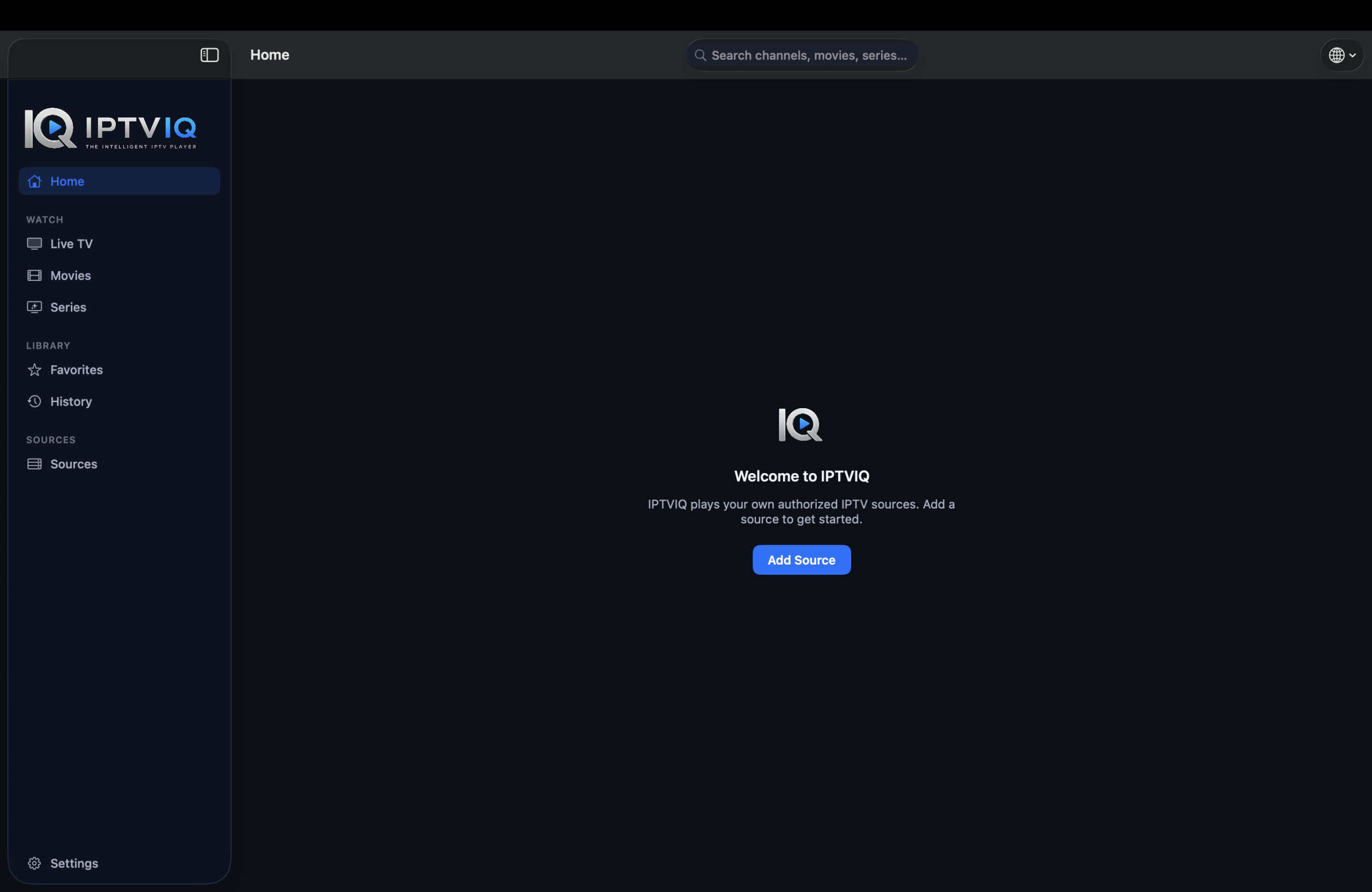
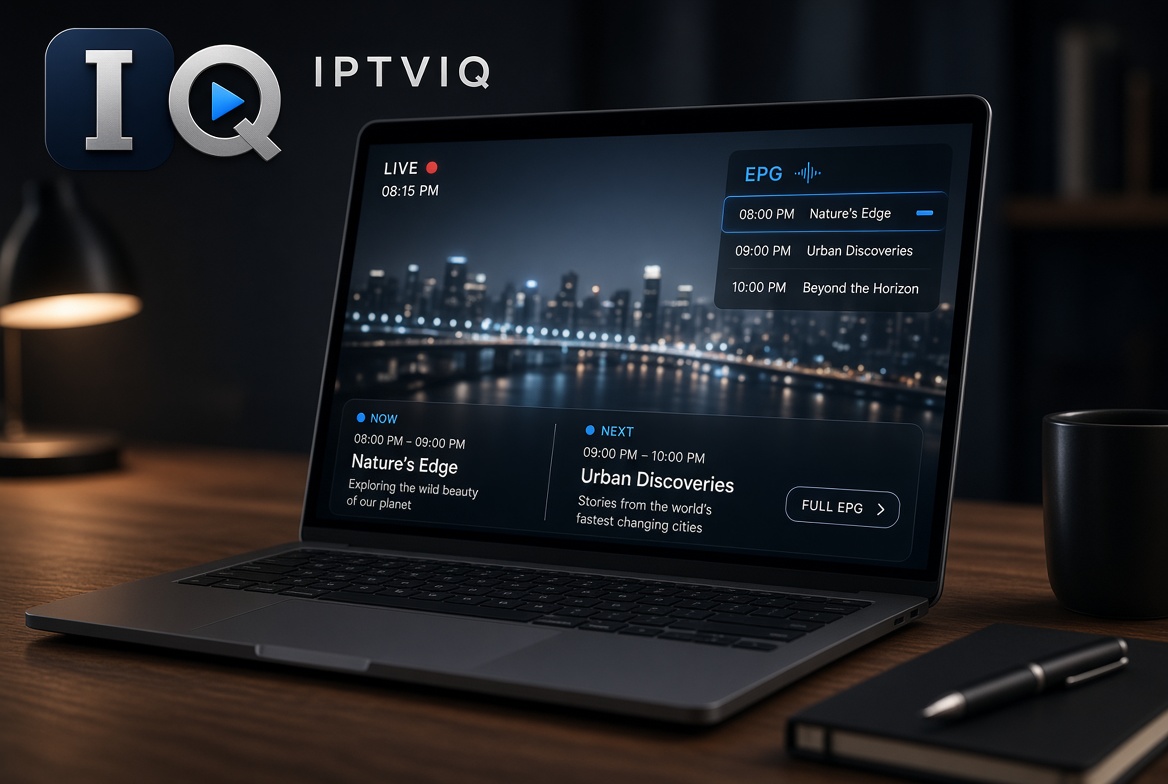
IPTVIQ accepts Xtream Codes accounts, M3U or M3U8 playlists, XMLTV guides, and Stalker/MAG/Ministra portals. Once imported, Live TV appears in categories. During playback a mini-EPG overlay shows current and upcoming programs. Now and Next information is available per channel where the source supplies it. Numeric channel entry lets you jump directly. Recall brings back the last channel. These tools reduce the need to exit playback just to decide what to watch next.

The overlay and Now/Next data depend entirely on what your provider sends. If the source does not include accurate guide information, the player cannot invent missing titles or times. Playback stays direct from your provider to the device.
Apple TV Status
Apple TV is in testing. The same core is planned to reach tvOS, but no public app is available yet. Users who need a live TV player on Apple TV today must use other options that are already released. Users who primarily watch on a Mac can use IPTVIQ now and check the Apple TV status separately.
What the App Does Not Do
It does not sell or include any channels. There is no content package inside the app. If your source does not supply a particular live stream, the player cannot create it. The free Mac listing means there is no charge for the basic player itself; it does not mean the streams are free.
Additional Tools on the Current Mac App
Movies and Series from compatible sources appear as a separate catalog with Continue Watching. Profiles keep history and favorites private. Kids profiles enforce approved-content rules across Home, Search, Guide and playback. Manual DVR lets you record an authorized live stream to a local folder you choose. Multiview and Smart Recovery are present on the current macOS app. Multiple sources can sit side by side, each with its own proxy setting.
Honest Status Comparison
| Capability | IPTVIQ on macOS Today | Apple TV / tvOS Status | Other Platforms |
|---|---|---|---|
| Public availability | Yes | In testing | Planned |
| Mini-EPG overlay | Yes | Not released | Planned |
| Now / Next per channel | Yes | Not released | Planned |
| Numeric entry + Recall | Yes | Not released | Planned |
| Organized categories | Yes | Not released | Planned |
| Continue Watching | Yes | Not released | Planned |
| Profiles + Kids rules | Yes | Not released | Planned |
Who Finds the Current Version Useful
The macOS app suits people who already have a source and who want guide information without constantly leaving the stream. It is practical for short sessions where checking Now/Next quickly matters. It is not a solution for someone who needs an Apple TV player today.
Setup for the Available Version
- Download IPTVIQ from the Mac App Store.
- Add the Xtream, M3U, XMLTV or Stalker source you already use.
- Open a live channel and use the mini-EPG overlay.
- Create profiles if more than one person uses the Mac.
Disclaimer
IPTVIQ does not host or supply content. Use only sources you are authorized to access. Recording is for personal time-shifting. Guide accuracy and catch-up availability depend entirely on the provider. Apple TV remains in testing; do not expect a public tvOS app until it is released.
The best way to watch live TV on Apple TV still depends on what is actually released for tvOS today. IPTVIQ keeps Now/Next and mini-EPG closer to playback on macOS so you can decide what to watch without leaving the stream. Your source stays yours; the current player simply makes live TV less interrupted on a Mac while Apple TV remains on the roadmap.